1300 800 200

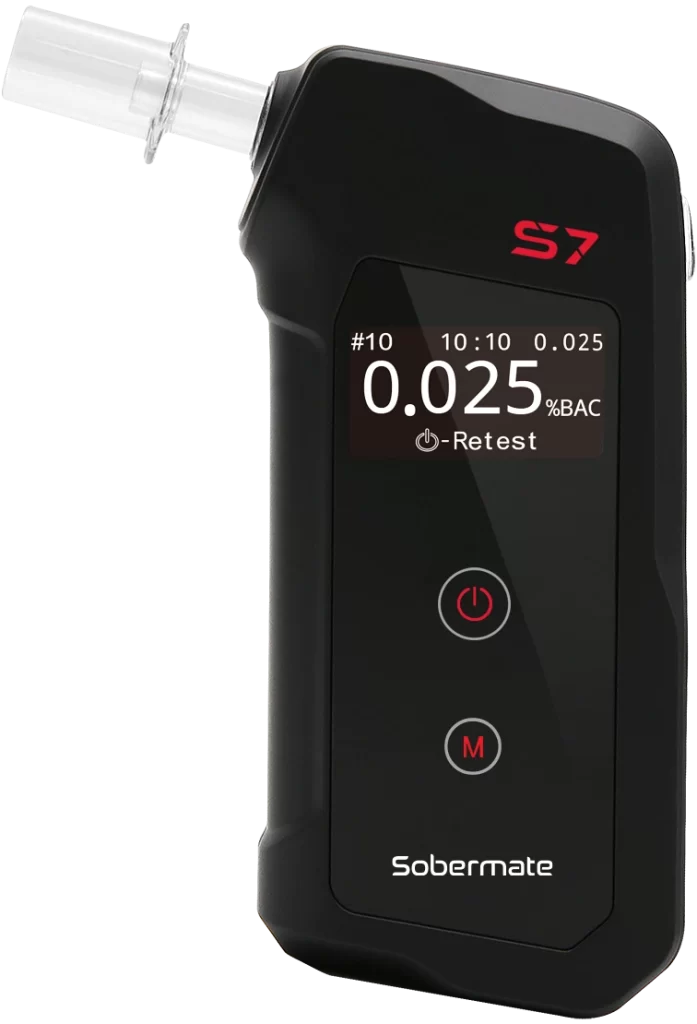
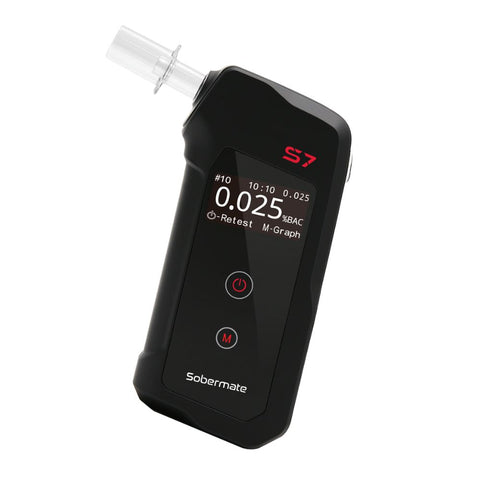
Sobermate S7
The Sobermate S7 is your reliable mate for responsible choices. Designed with
cutting-edge fuel cell technology, it delivers highly accurate, alcohol-specific
BAC readings you can trust. With bluetooth conectivity that enables you to track
and send BAC results, the Sobermate S7 is the smart way to stay in check.
AU $349.00
Buy NowFeatures
- Higher accuracy BAC
- Platinum Fuel Cell Sensor
- Save and send BAC result with mobile app
- Internal memory with 10000 test records
- 1000 tests calibration reminder
- 4 digit in BAC display
- Low battery warning
- Calibration every 12 months
- Auto power off
Specifications
Specifications
| Model No. | SM-S7 |
| BAC Range | 0.00% – 0.500%BAC |
| Sensor Type | Fuel Cell |
| Accuracy | ±0.01%BAC at 0.10%BAC |
| Warm Up Time | Within 5 seconds |
| Power Supply | 2 x AAA Batteries (Alkaline Only) |
| Mouthpieces | 3 supplied (only compatible with Sobermate mouthpieces) |
| Memory | 10,000 test results with test number, date and time |
| Calibration Frequency | Every 12 months |
| Features | Calibration reminder |
| Wireless Connection | Bluetooth 5.0 |
| Includes | 3 x mouthpieces, 2 x AAA alkaline batteries |
| Product Weight | 90g including batteries |
| Dimensions | H: 54mm, W: 116mm, D: 23mm |
Compare Models
Who It’s For
Built for people who want to track results over time using Bluetooth and the free app.
Key Benefits
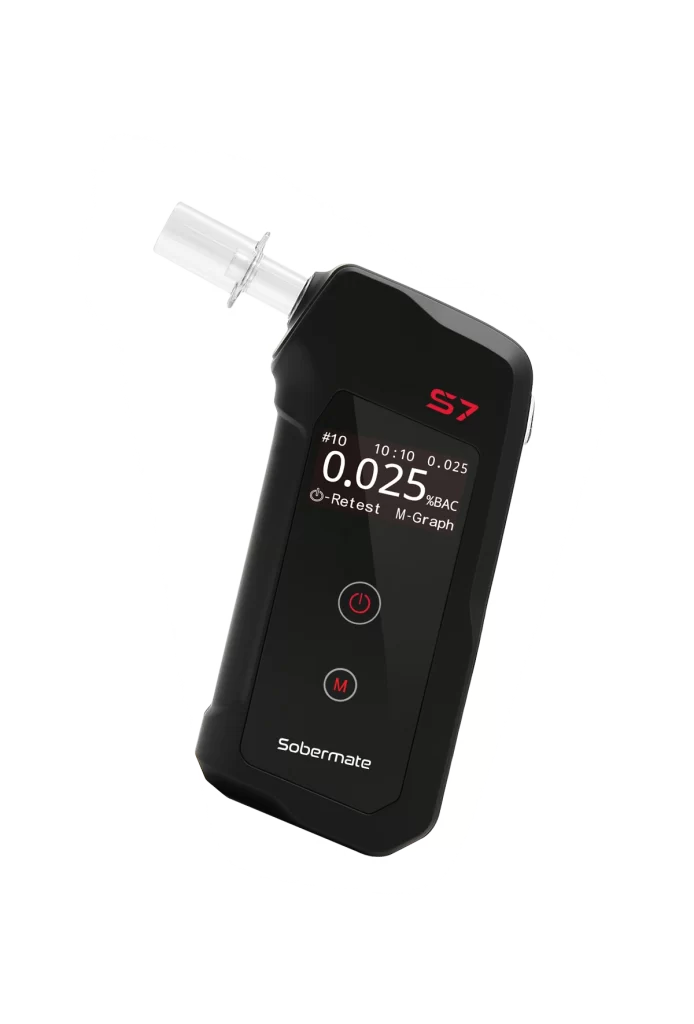
Bluetooth 5.0 Connectivity
Track, save and send BAC results via the free app
Platinum Fuel Cell Sensor
High accuracy, alcohol-specific readings
Massive 10,000-Test Memory
Stores test number, date and time for every result
Fast 5-Second Warm-Up
Ready to test in seconds, no long wait
Clear 4-Digit Display
Easy-to-read %BAC readout
1,000-Test Calibration Reminder
Alerts every 12 months or 1,000 tests, whichever comes first
Long Battery Life
Approx. 1,000 tests per set of AAA batteries
How to use
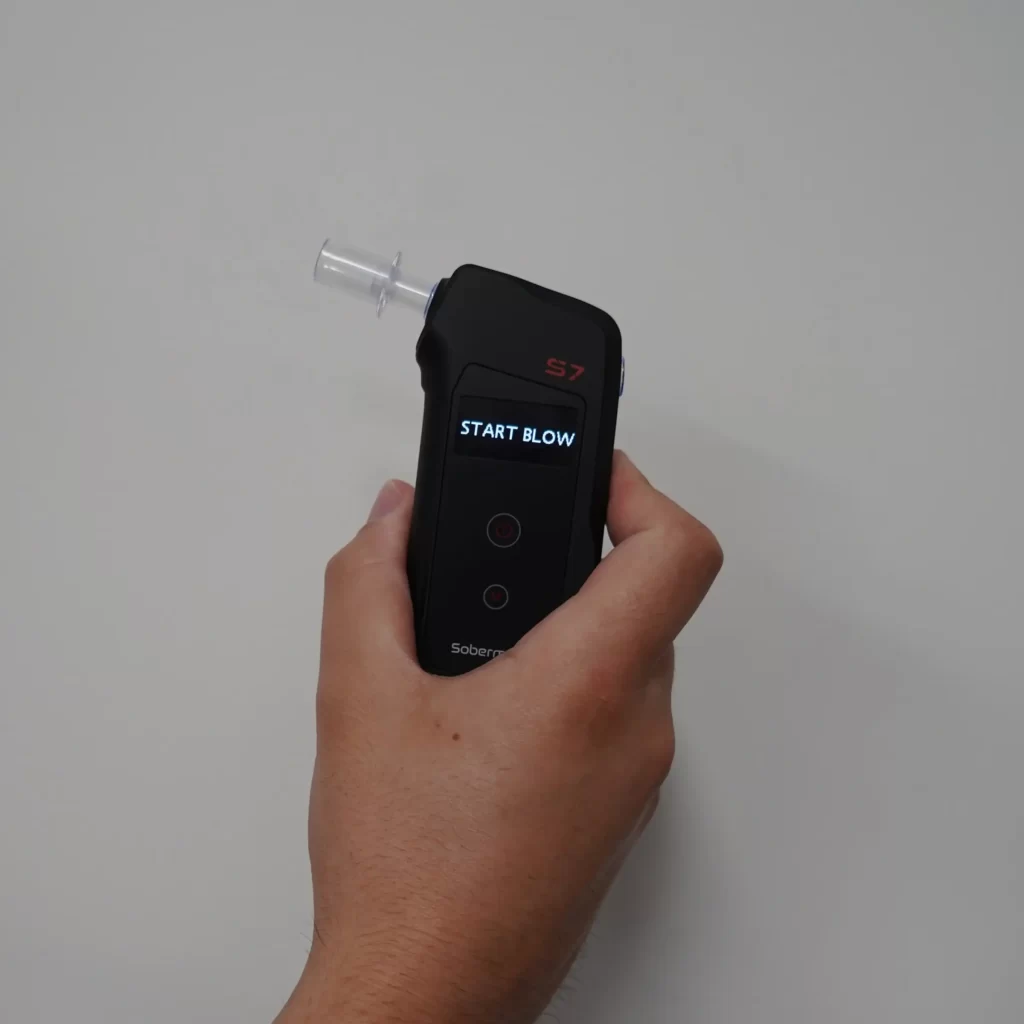
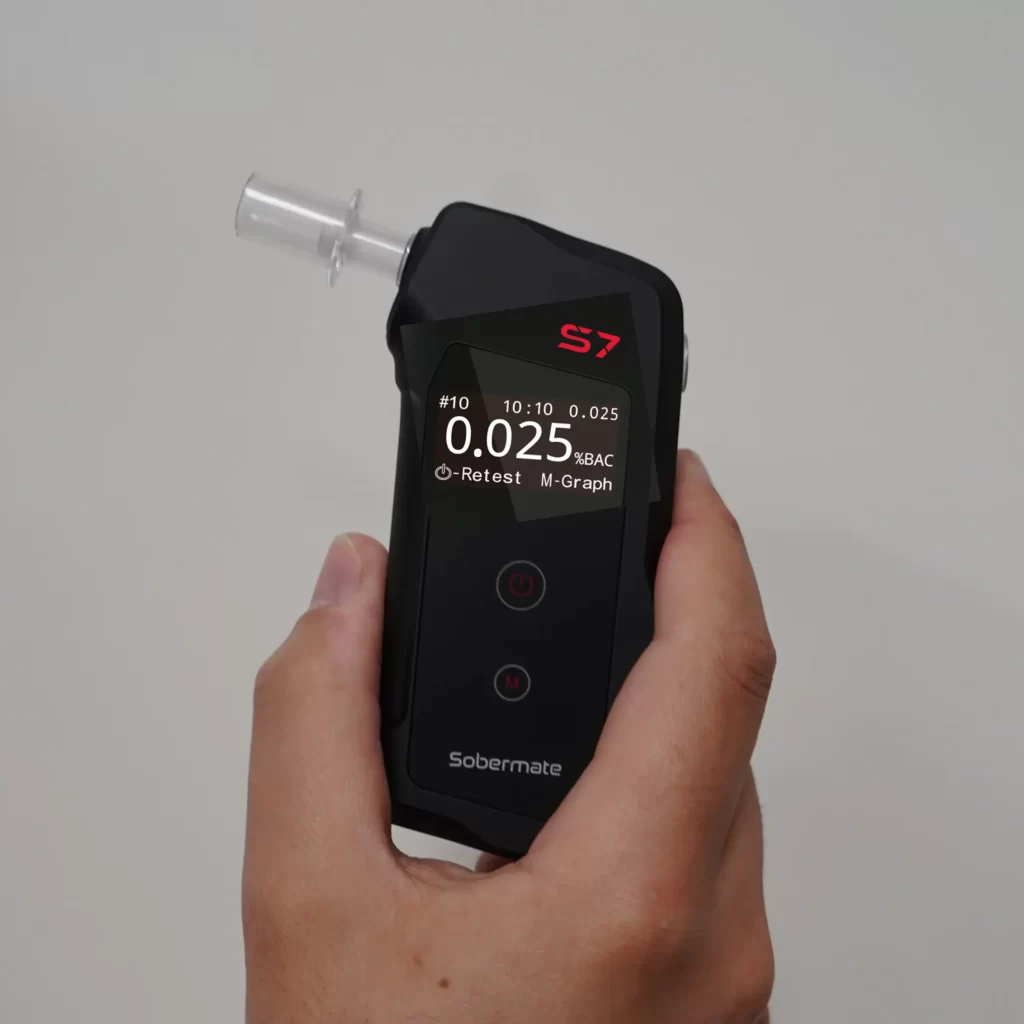
Wait
Turn on the device and let it warm up for a few seconds while it prepares the sensor.
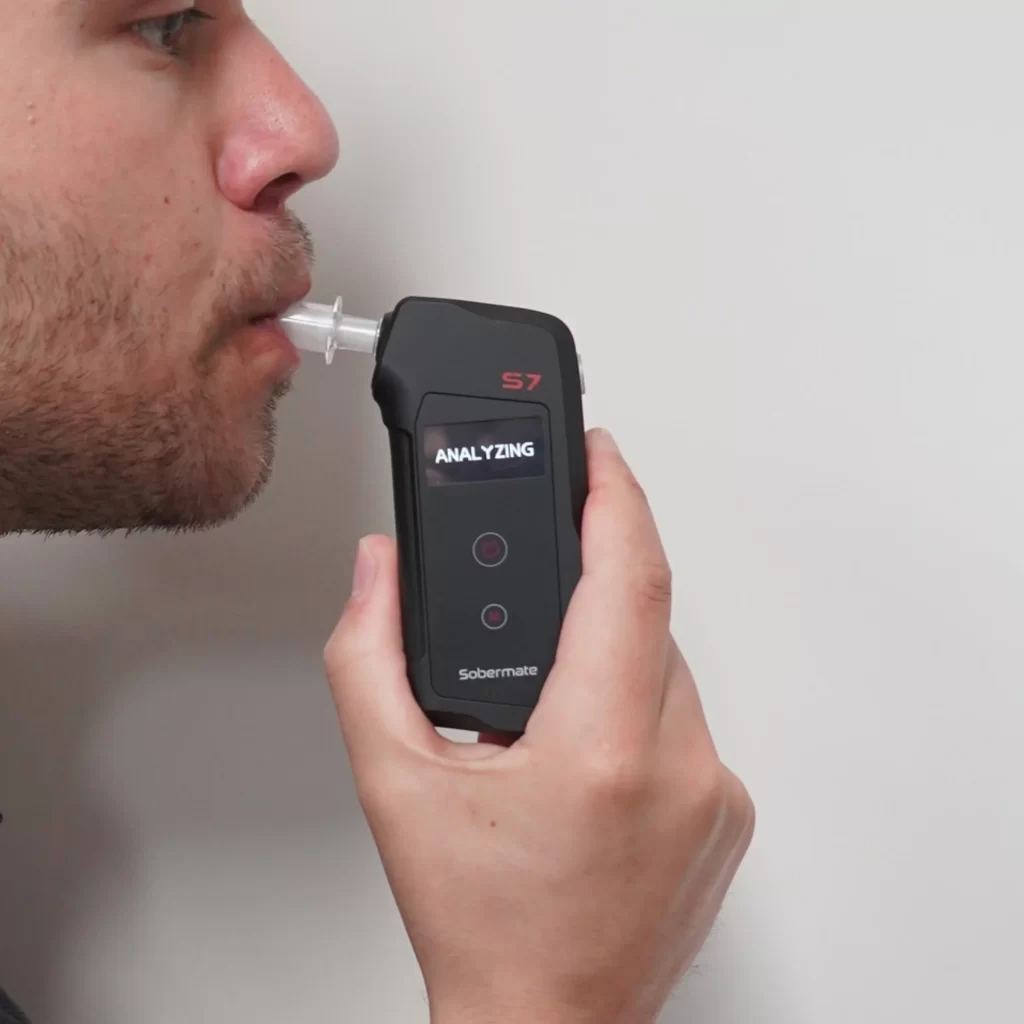
Blow
Blow steadily into the mouthpiece until you hear the beep signaling the test is complete.
Read
Check your BAC result displayed clearly on screen, along with the READY or WARN indicator.
What’s Included
What’s Included
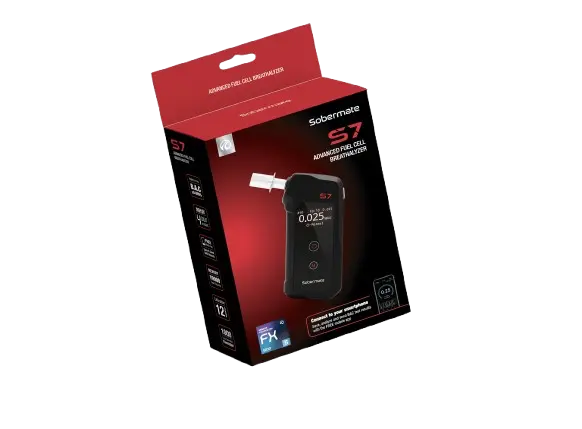
- ✓Sobermate S7 Breathalyser x 1
- ✓AAA Alkaline Batteries x 2
- ✓Mouthpieces x 3
Sobermate 7 FAQS
How do I take a test with the Sobermate S7?
Insert a mouthpiece, then hold the power button for 2 seconds to switch the S7 on. The device warms up automatically. When “START BLOW” shows with a double beep, blow steadily into the mouthpiece until it beeps twice. “ANALYZING” then shows, and your estimated BAC appears for 4 seconds.
How do I test again or switch the S7 off?
Once the result has shown, press the power button briefly to test again. To switch off, hold the power button for 2 seconds. If you don’t press anything, the S7 switches itself off after 3 minutes.
Why does my result show 0.00% when I’ve had a drink?
The S7 shows 0.00% even when it detects very low levels of alcohol, up to 0.006%BAC. A zero reading doesn’t guarantee there is no alcohol in your system.
How often does my S7 need to be calibrated?
Every 12 months or every 1000 tests, whichever comes first. The Australian Standard requires calibration every 12 months. When you switch the S7 on, the screen shows how many days are left until your next calibration.
How do I check when my S7 was last calibrated?
Open the menu and go to Information. It shows the firmware version (VER), the last calibration date and time (CAL), and the total number of tests performed (TEST).
How do I open the menu and move around in it?
While the device is warming up, hold the menu button (M) for 1 second. Press the power button to move up and the menu button to move down. Hold the power button for 1 second to select an option or save, and hold the menu button for 1 second to cancel or go back.
How do I connect the S7 to my phone?
The S7 has Bluetooth 5.0 and connects through the ALCOFIND (UNIVERSAL) app. Bluetooth is off by default, so turn it on in the menu first. The app works with iOS 9.0 or later and Android 7.0 (Nougat) or later. You can find it in the App Store or Google Play.
How do I change the alarm limit?
Open the menu and go to Alarm Limit. You can set it to OFF, or anywhere from 0.010% to 0.100%BAC in steps of 0.01%. The default is 0.05%BAC. Press the power button to increase it and the menu button to decrease it, then hold the power button for 1 second to save.
How do I change the measurement unit?
Open the menu and go to Unit. You can choose %BAC, mg/100mL, µg/L, mg/L, ‰ or g/210L. The default is %BAC. Press the power or menu button to cycle through the options, then hold the power button for 1 second to save.
How do I set the date and time?
Open the menu and go to Time. The format is YYYY/MM/DD, HH:MM:SS. Hold the power button for 1 second to move to the next digit, press the power button to increase a value, and press the menu button to decrease it. To save, hold the menu button for 1 second, choose YES, then hold the power button for 1 second. To cancel, hold the menu button for 1 second.
Do I need a new mouthpiece each time?
For hygiene, use a new mouthpiece before testing someone else. Make sure it fits securely in the mouthpiece slot before every test.
Is the S7 covered by a warranty?
Yes, it has a 1 year warranty from the date of purchase against defects in workmanship or parts. Keep your receipt as proof of purchase. You can also register your device at my.andatech.com.au to activate your warranty and get calibration reminders.


Our Reseller
RESELLERS OF SOBERMATE PRODUCTS
Online Reseller





Buy from Shop